Ever wondered why you still feel tired even after a full night’s sleep? Could skipping regular sips be the hidden reason behind low focus, stiff joints, or a sour mood?
Water makes up about 60% of your body, and experts recommend roughly 125 ounces for men and 91 ounces for women each day, with about 20% from food. Yet busy workdays often leave you under that target.
There’s an easy way to fix it. Connected water bottles pair with an app and Apple Watch taps to set a realistic goal, log every drink, and show your daily water intake at a glance.
You’ll learn how these tools help you stay hydrated without feeling nagged. They use on-bottle lights, phone alerts, and simple tracking to make drinking water automatic.
This guide previews top picks, explains when an app alone works, and shows how to fine-tune intake for better mood, stamina, and long-term health.
Why smart water bottles matter for your health right now
When you drink water regularly, you support everything from nutrient transport to clearer thinking and better stamina.
Water makes up roughly 60% of your body and helps move nutrients, regulate temperature, lubricate joints and eyes, and build cells. Men are advised about 125 ounces of total fluid and women about 91 ounces, with about 20% coming from food. Many people still fall short during busy days and become “low drinkers.”
That pattern shows up as low energy, stiffer joints, or faded focus by the end of the work day. A visible way to track your intake removes guesswork and helps you notice small gaps before they add up.
- You’ll see why water is foundational for daily health and steady energy.
- Better intake links to improved workout stamina, mood, and concentration.
- Needs change by activity, climate, and time, so a clear log helps you adjust.
These tools pair with your cues—thirst and routine—so you build lasting habits without stress. For related nutrition guidance, check the nutrition blueprint for women over 35.
How smart water bottles work to track your water intake
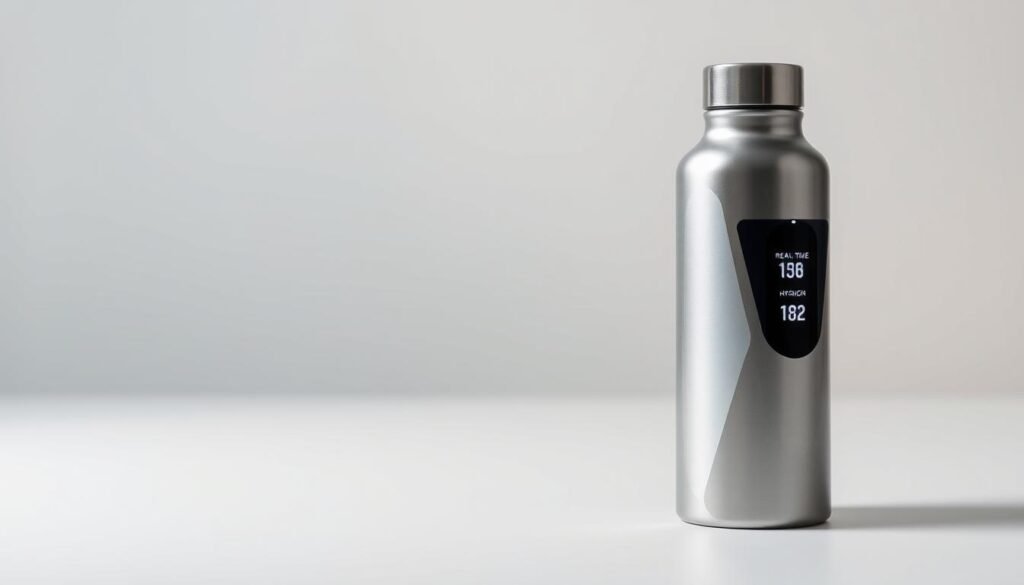
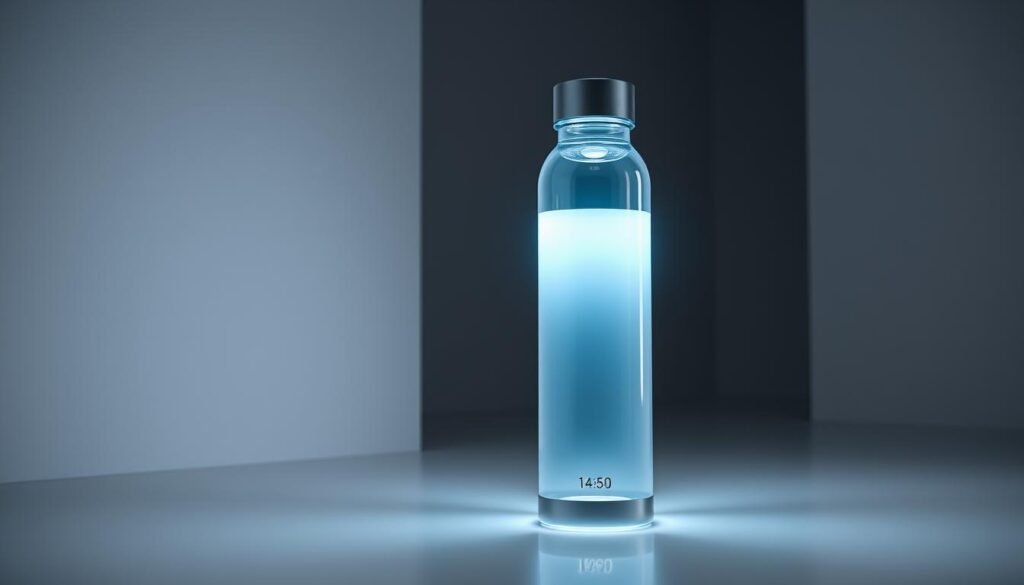
A connected bottle turns each drink into a clear, countable step toward your goal. Sensors and motion detection translate sips into ounces so your water intake updates in real time. The result is accurate consumption tracking without manual math.
Sensors, sip logging, and real-time updates
Internal sensors and tilt detection read each sip and convert it to ounces. That lets the device track different beverages and credit water-rich drinks while reducing points for alcohol or caffeine.
LED cues, phone nudges, and on-wrist taps
LED rings give a discreet cue at the bottle base. Phone notifications and Apple Watch taps offer timely reminders when you’re busy. Many designs stay lightweight and use a leak-proof mouth for daily use.
Companion app: goals, history, and progress
The companion app sets your daily goal, shows a timeline, and stores history so you spot streaks. It can log preset cups for fast updates, sync with health apps, and adjust your goal as activity or sleep patterns change.
Smart hydration reminders
Small, well-timed prompts can turn sips into a steady habit without crowding your day.
Types of alerts you’ll use
Time-based alerts ping you at regular intervals so you build a steady rhythm.
Adaptive nudges watch your intake and only push when you fall behind, cutting unnecessary pings.
Inactivity taps notice long gaps and give a gentle push—useful when you get lost in work.
Habit building: gentle cues throughout the day
You can receive alerts from your watch, phone, or an LED light ring on the bottle.
The app lets you weight cues by time: stronger in the morning, lighter at night.
- Use on-bottle LEDs for discreet cues in meetings.
- Let your phone or watch cover times when the bottle isn’t nearby.
- Pair a prompt with a daily task—post-call or post-walk—to make it stick over days.
- Quiet alerts during workouts or sleep so prompts stay helpful.
- Small, steady sips add up to your daily water goal and cut the end-of-day scramble.
What to look for before you buy
Start by checking how well a device converts what you drink into accurate ounces. That single test tells you if the bottle will track your day reliably.
Accuracy and beverage logic
You want sip detection that converts drinks to ounces reliably. The best systems adjust for different beverages so caffeinated or alcoholic drinks are credited differently.
App ecosystem and device sync
Check iOS, Android, and Apple Watch compatibility. Leading apps sync with health platforms, show history, and surface goals where you already look.
Battery life and charging
Compare USB-C, magnetic puck, or removable-base charging. Pick a style that fits your routine so you don’t run out midweek.
Bottle design and temperature handling
Look for a lightweight build, a leak-proof mouth for hygienic sips, and insulation rated for hot or cold use.
Ease of use and privacy
Clear LEDs, one-tap logging, and fast setup make daily tracking feel like easy use. Also confirm what history the app stores and your data access options.
“Choose a setup that keeps your goals visible without adding friction to the day.”
- Durability: drop resistance and replaceable lids.
- Maintenance: easy access to sensors for cleaning.
- Goal visibility: widgets and quiet notifications for steady progress.
Best smart water bottles right now
These selections focus on what most people care about: reliable trackers, easy use, and designs that survive real life.
Best for Apple Watch users and seamless reminders
Best for Apple Watch users and seamless reminders
You’ll get tight Apple Watch integration, complications, and haptic nudges that keep you sipping without opening your phone. Apps like WaterMinder and Hydro Coach offer widgets and quick sync so water intake updates on your wrist.
Best budget pick that nails the basics
Best budget pick that nails the basics
Look for an affordable version with reliable trackers, simple app pairing, and clear consumption logs. These bottles focus on core features and easy use without premium frills.
Best LED ring alerts for discreet, at-a-glance cues
Best LED ring alerts for discreet, at-a-glance cues
On-bottle LED rings glow when it’s time to drink water so you stay on pace in meetings or shared spaces. The light is subtle but visible, making it ideal for office use.
Best for tracking multiple beverages in one app
Best for tracking multiple beverages in one app
Choose a bottle whose app adjusts intake for coffee, tea, and alcohol. Waterllama and similar apps let you set presets so logging drinking water and other drinks is fast.
Best lightweight, leak-proof design for work and on the go
Best lightweight, leak-proof design for work and on the go
Prioritize a leak-proof mouth and a light build that fits a bag. These picks feel comfortable to carry to work and the gym while protecting your devices.
Best rugged option for outdoor days
Best rugged option for outdoor days
For hikes or long trips, pick shock-resistant shells, grippy textures, and long battery life. These models resist drops and keep tracking when life gets rough.
- Why pick one: you’ll balance app quality, reminder reliability, and design.
- Quick tip: check Apple Watch support and multi-beverage logging before you buy.
- Bottom line: choose the version that fits your daily routine for steady water intake.
Smart bottle vs. hydration app: which way should you track?
Deciding between an app and a connected bottle comes down to how you live your day. An app can calculate targets from weight, activity, and climate. It offers Apple Watch widgets, history, and scheduled nudges so you hit your daily goal.
When an app is enough for your daily goal and reminders
If you already meet your target with gentle phone cues, an app is the most flexible way to track. Apps are low-cost, require no charging, and let you log quickly across devices.
When a connected bottle adds meaningful value
A bottle helps when you underestimate intake at work or leave your phone behind. On-device LED cues and automatic logging cut missed sips. Trackers that live with you act like a physical habit coach and reduce friction.
“Pick the option you’ll actually use every day—software for flexibility, a device for hands-on habit support.”
- Compare costs, charging, and cleaning before you buy.
- Either tool keeps intake visible so you avoid too little or too much water.
Setting your daily water intake goal
Set a realistic daily target so your water checks match how you live, not a one-size-fits-all number.
Start with the National Academies’ baseline: about 125 ounces for men and 91 ounces for women per day, with roughly 20% from food. Use that as a reference, not a rule.
Personal factors: body size, activity, climate, and time of day
Your body size, how much you move, and local temperature change needs. Many apps tailor targets by sex assigned at birth, weight, activity level, and weather.
Choose a daily goal that rises with heavy workouts or hot days. Front-load more water in the morning when the day is busy or warm.
Beverages and hydration levels: how different drinks affect your goal
Not all drinks count the same. Water-rich beverages add to your intake, while alcohol may reduce net hydration. Good apps use beverage-aware logging to add or subtract accordingly.
“Translate targets into ounces you can measure, then tweak weekly based on energy, workouts, and bathroom breaks.”
- Measure in ounces: pick a bottle size and track cups to hit your target.
- Use presets: quick app entries make meeting goals easier on hectic days.
- Review weekly: adjust goals with seasons, training, or schedule changes.
Make it stick: easy ways to drink enough throughout the day
Small changes make a big difference. Make steady sipping easy by folding water into the small routines you already do throughout day. Simple cues cut the guesswork so you meet your target without thinking about it all the time.
Start strong: morning routine and meal-time sips
Begin with a glass after you wake up and another at breakfast. That puts you ahead on your daily water goal by mid-morning and lowers the urge to rush water intake later in the day.
Take a few sips before each meal to pace your drink and reduce afternoon slumps. Cold or lightly flavored water can make it easier to drink without forcing it.
Low-drinker strategies: pairing reminders with daily tasks
Pair gentle reminders with tasks you already do—email checks, stretch breaks, or the commute—to create natural prompts while at work. Keep your bottle within arm’s reach so you don’t lose momentum during busy blocks.
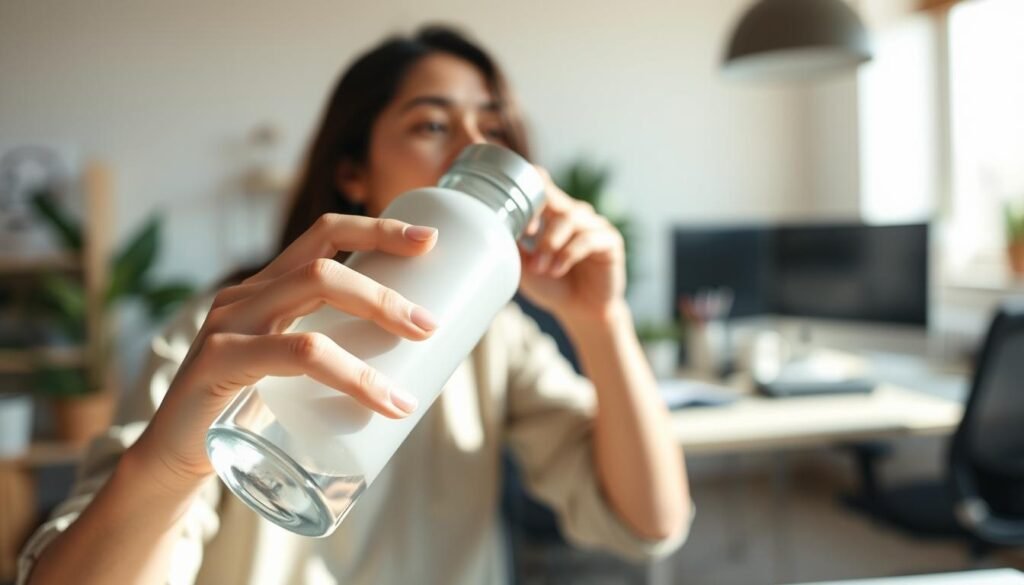
- Use simple cues: LED rings or subtle haptics on your bottle or watch to stay hydrated without interruptions.
- Track wins: Log light-touch water intake across days using apps or a quick app widget to keep motivation high.
Care, maintenance, and hygiene
A little regular maintenance makes a big difference in accuracy and smell. Treat your bottle like a small piece of tech and a kitchen item. That balance keeps sensors working and stops odors from building up.
Cleaning lids, caps, and sensors
Rinse lids and caps after each use and use a soft brush for crevices. Gently wipe sensor areas with a damp cloth—avoid soaking them.
Protecting the battery and electronics
Avoid high temperature spots and don’t leave ports clogged with debris. Use the recommended charger and dry contacts before reassembly to preserve battery life.
Durability and odor prevention
Air-dry all parts fully to prevent mold. For deeper cleans, use mild soap and a bottle brush once a week. If your water bottle takes a hard fall, check seals and sensor access—replace parts or contact support for a new version when needed.
“Keep cleaning simple so maintenance stays part of your day, not a chore.”
- Daily quick rinses + weekly deep cleans
- Dry parts fully before clipping lids back on
- Protect electronics from heat and moisture for reliable day-to-day use
Troubleshooting common issues
If your bottle, app, or Apple Watch act up, a few quick checks usually fix the problem. Follow these steps to get notifications, sync, and logs working again so your water intake stays accurate.
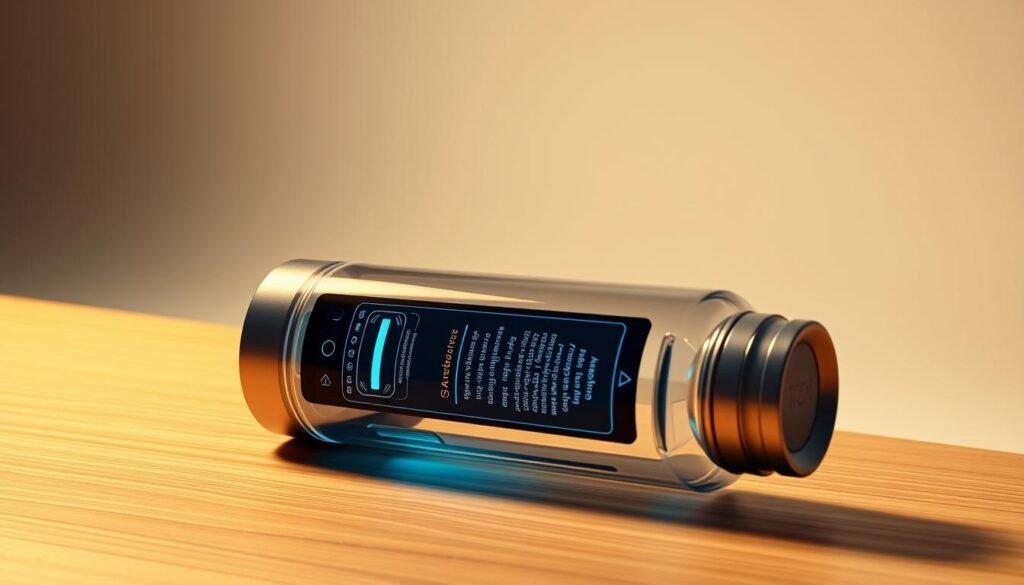
Missed notifications or too many alerts
Check permissions first. Enable notifications on your phone and the app, and confirm Apple Watch settings match the app. Verify Do Not Disturb or Focus schedules so alerts arrive at the right time.
If you get too many pings, widen intervals, enable adaptive modes in the app, or mute specific hours to reduce noise.
Sync problems between bottle, app, and watch
Refresh Bluetooth, force-close the app, and re-pair the device. Make sure firmware and the app are up to date.
When syncing still fails, reboot your phone and watch, then try pairing again.
Inaccurate intake logs or goal calculations
Calibrate sip detection and verify cup sizes in the app so each drink registers correctly. Check beverage types—some apps lower credit for alcohol or caffeine.
Review your history and progress views to spot anomalies over days. If issues persist, contact support with screenshots and logs so they can diagnose the problem.
Hydration safety: how much water is too much?
Understanding when to drink and when to slow down protects your health. Drinking the right amount helps your body perform. But gulping large volumes in a short time can cause water intoxication.
Watch for clear signs. Dehydration shows up as darker urine, low energy, dizziness, nausea, headaches, or constipation. Severe cases can lead to rapid heartbeat, confusion, or seizures and need medical care.
Overhydration may cause headaches, cramps, vomiting, extreme fatigue, or seizures. There’s no exact cutoff for how much water causes harm because needs vary by body size, activity, and heat.
Recognizing overhydration vs. dehydration and when to seek help
- You’ll learn how to spot dehydration early—low energy, darker urine, dizziness—and how steady drinking water across the day can help.
- We explain risks of much water intake at once and why pacing sips is safer than big gulps.
- Know overhydration red flags: worsening headache, nausea, confusion—slow down and seek care if symptoms worsen.
- Personal factors—size, activity, heat—change how many ounces you need every day, so flexible goals beat fixed rules.
Use tools to smooth intake. An app or bottle can help you drink enough without extremes, but always listen to your body and check with a clinician if you have specific concerns.
Conclusion
A few small changes can help you meet a realistic water intake goal every day.
Pair an on-bottle LED ring and phone or watch alerts with an app that adapts goals for activity, climate, and different beverages. That combo turns vague intent into clear consumption you can track with a water tracker and streaks that show progress.
Use the National Academies’ baseline—about 125 oz for men and 91 oz for women—as a starting point, then tweak for workouts and weather. A light-touch setup helps you stay hydrated, feel steadier energy, and avoid the late-day rush to catch up on daily water.
Start with one daily water goal, watch how you’re drinking across meals, and adjust as your routine changes.
FAQ
How do smart water bottles track your water intake?
Most bottles use sensors that detect pours and sips, then log ounces to a connected app. The bottle pairs with your phone or watch and updates real-time consumption, so you can see progress toward your daily goal and review history.
Can the bottle count other beverages besides water?
Yes. Many apps let you log tea, coffee, or sports drinks and convert those servings into your total fluid intake. Check the beverage logic in the app to ensure it treats caffeinated drinks and electrolytes correctly.
How often will I get reminders to drink?
Reminder frequency depends on the bottle and app settings. You can choose time-based alerts, adaptive prompts that learn your pattern, or inactivity nudges that trigger when you haven’t sipped in a while.
Will reminders work with my Apple Watch or Android device?
Most top bottles support iOS and Android and offer Apple Watch or Wear OS integrations. Verify compatibility before you buy to make sure notifications, quick logs, and watch taps sync properly.
How accurate are the intake measurements?
Accuracy varies by sensor and calibration. Good models measure within a small margin of error and let you adjust for different cup sizes. Look for independent reviews and a clear ounces or milliliters readout in the app.
How do I set a personalized daily water goal?
Apps typically let you set goals based on weight, activity level, and climate. You can also enter a fixed target in ounces. The app then breaks that goal into hourly or mealtime targets to help you stay on track.
What about battery life and charging?
Battery life ranges from several days to weeks depending on features like LED rings and continuous sync. Check the product specs for hours of active use and expected standby time, and note whether it uses USB-C or a magnetic charger.
Are the bottles leak-proof and good for travel?
Many designs focus on lightweight, leak-proof lids and durable finishes for commuting and outdoor use. Read tests for lids, mouth feel, and temperature handling to ensure the bottle fits your routine.
How do I clean the bottle without damaging sensors?
Follow the manufacturer’s cleaning guide: removable lids and seals are usually hand-washable, while the base with electronics should be wiped clean and kept dry. Avoid submerging the sensor module unless it’s explicitly waterproof.
What if my bottle won’t sync with the app or watch?
Restart Bluetooth on your phone, force-close and reopen the app, and check for firmware updates. If problems persist, try re-pairing the device or consult the maker’s support for step-by-step troubleshooting.
Can tracking a bottle help build a drinking habit?
Yes. Consistent cues—LED prompts, phone or watch notifications, and quick logging—make it easier to form a routine. Pairing reminders with daily tasks, like finishing a glass after a meeting, strengthens the habit over time.
Is my drinking data private and secure?
Reputable brands let you control data access and sync with Apple Health or Google Fit selectively. Check the app’s privacy policy to understand how history and goals are stored, shared, or deleted.
When should I choose a bottle over a hydration-only app?
An app may be enough if you want manual logging and basic reminders. Choose a connected bottle when you want automatic tracking, at-a-glance LED cues, and seamless watch integration that reduces friction throughout your day.
Can I use the bottle in hot or cold conditions?
Many bottles handle temperature well, but the electronics have limits. Review temperature specs to ensure the bottle stays accurate and the battery-safe during outdoor or gym use.
How do I avoid getting too many notifications or missed cues?
Tailor notification settings in the app: reduce frequency, set quiet hours, or choose only watch taps or LED cues. If you miss prompts, adjust the timing to align with your routine rather than fixed hourly alerts.
What signs indicate overhydration and when should I slow down?
Symptoms include nausea, bloating, and very diluted urine. If you feel dizzy, confused, or excessively bloated, pause drinking and seek medical advice. Use the app’s goal settings to avoid pushing beyond healthy limits.